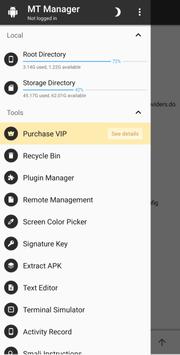
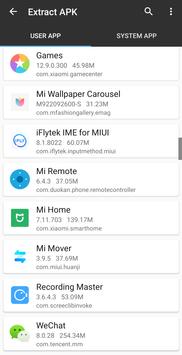
Editing installation packages directly on a device requires specialized utilities capable of parsing compiled application components. MT Manager functions as an APK editor and deep file manager, allowing users to modify both system and user applications by altering compiled code, tweaking resource files, and removing unwanted assets to free up device storage. Beyond standard file browsing, its distinctive architecture integrates an internal compiler and decompiler capable of directly inspecting and altering package formats without unpacking them in advance.
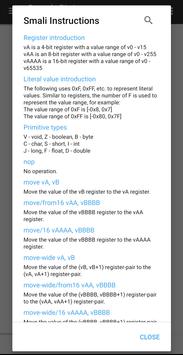
Users can modify installation files directly by editing Dex, ARSC, and XML structures. The platform enables tasks such as cloning applications, signing modified packages, optimizing software performance, and eliminating integrity verifications. It also supports localization workflows through manual translation additions. Modifying compiled code carries significant technical risk, as any incorrect structural edit can invalidate the package, prevent the application from launching, or create system-wide instability. For this reason, these modification workflows are primarily targeted at advanced users.
Root File Management and System Access
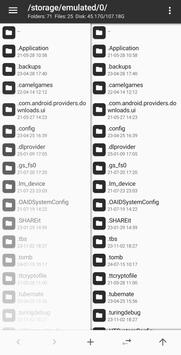
The app functions as a dual-purpose file manager capable of navigating protected internal storage. When granted superuser permissions, it gains access to hidden system directories that remain unavailable on standard setups. Users can mount system partitions, modify specific file permissions, and change file ownership parameters. These root-level operations allow direct intervention in low-level operating components, providing total control over system configurations and deeply buried software directories.
Archive Handling and Internal Tools
Handling external storage and compressed files is built into the primary interface, which natively creates and extracts ZIP archives while allowing direct interaction with compressed files without extracting them first. The toolset also features built-in viewers for examining image files, playing audio, and editing plain text files. For network workflows and automation, users can connect to remote storage via an FTP connection or execute custom scripts directly through the interface.



 ZArchiver
 Browser TV Web - BrowseHere
 RAR
 AVG AntiVirus & Security
 Files by Google
 Smart Launcher 6